Import and export
Tangerine can drive Pulp's three transfer features from one place:
| Tab | Purpose |
|---|---|
| Pulp export | Bundle repositories into a portable tar.gz with metadata you can move between Pulp installations |
| Filesystem export | Materialise content into a directory tree for a web server or shared filesystem |
| Pulp import | Read a Pulp export archive on the server and recreate its content |
All three are server-side operations: the UI sends paths that the Pulp server must be able to read
or write. The server only accepts export paths listed in its ALLOWED_EXPORT_PATHS setting.
Pulp export
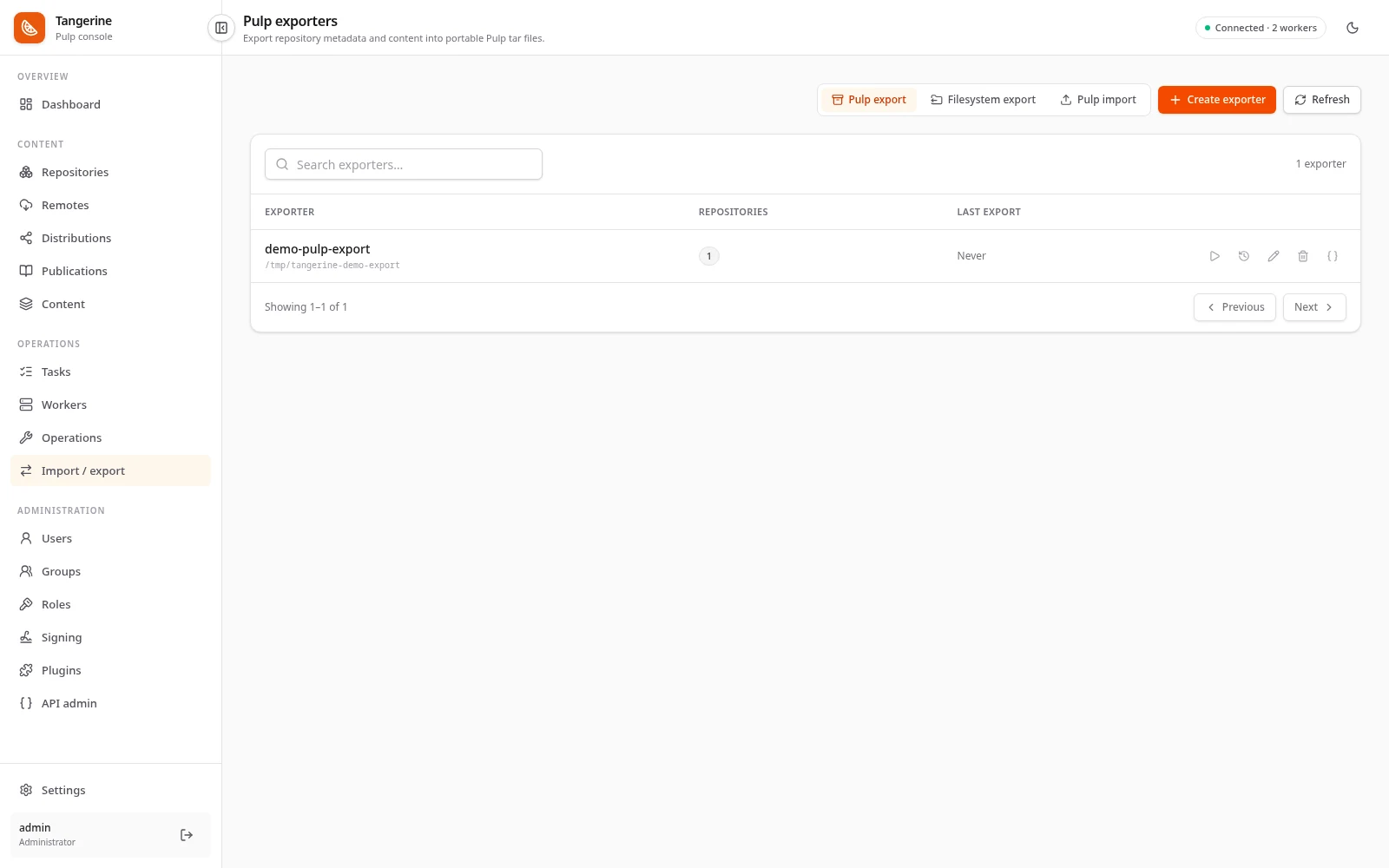
An exporter is a reusable definition: a destination directory and the set of repositories to include.
Create exporter asks for:
| Field | Notes |
|---|---|
| Name | Unique exporter name |
| Server path | Directory on the Pulp server where archives are written, for example /var/lib/pulp/exports |
| Repositories | Multi-select with server-side search; pick any number of repositories |
Row actions:
- Run opens the export run dialog. Chunk size controls how large each archive is; explicit versions let you export specific repository-version hrefs instead of the latest of each repository.
- View runs shows previous exports for that exporter with their state and task link.
- Edit changes the definition.
- Delete removes the exporter, not the archives it already wrote.
{}shows the raw record.
Exports are asynchronous. A finished run produces one or more archives plus a table-of-contents file in the destination directory.
Filesystem export
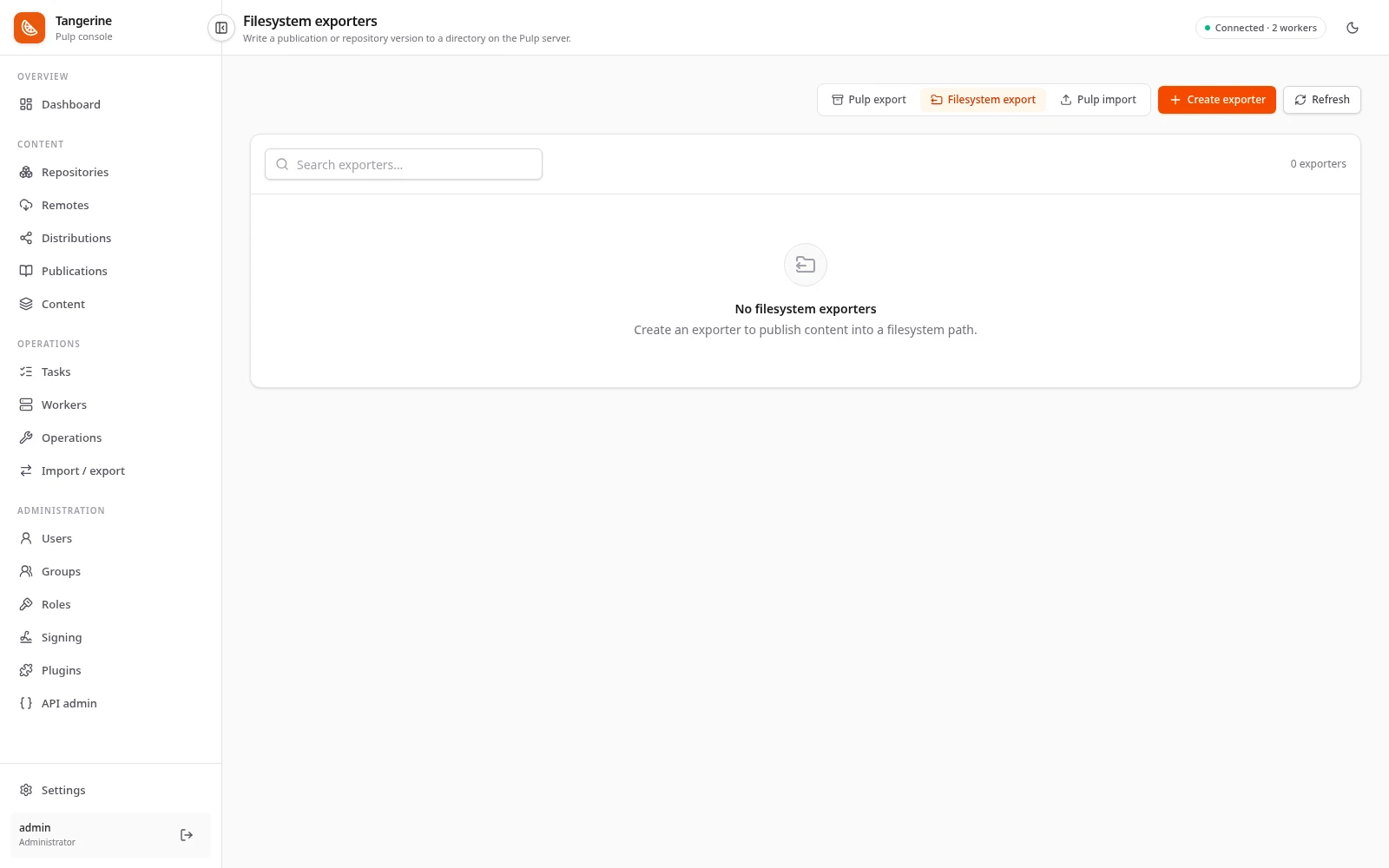
A filesystem exporter writes published content into a directory tree that another service can serve directly — useful when a CDN or web server should read the content without going through the Pulp content app.
The definition is a name, a server path, and a method:
| Method | Behaviour |
|---|---|
| Write | Copies file contents into the destination |
| Hardlink | Links files when the destination is on the same filesystem |
| Symlink | Links to the artifact store without copying |
Running one requires either a publication href or a repository version href, depending on what you want to materialise. Incremental runs accept a start repository version, so only the delta is written.
Hardlinks and symlinks are fast but couple the destination to the artifact store: deleting artifacts through orphan cleanup can break a symlinked export.
Pulp import
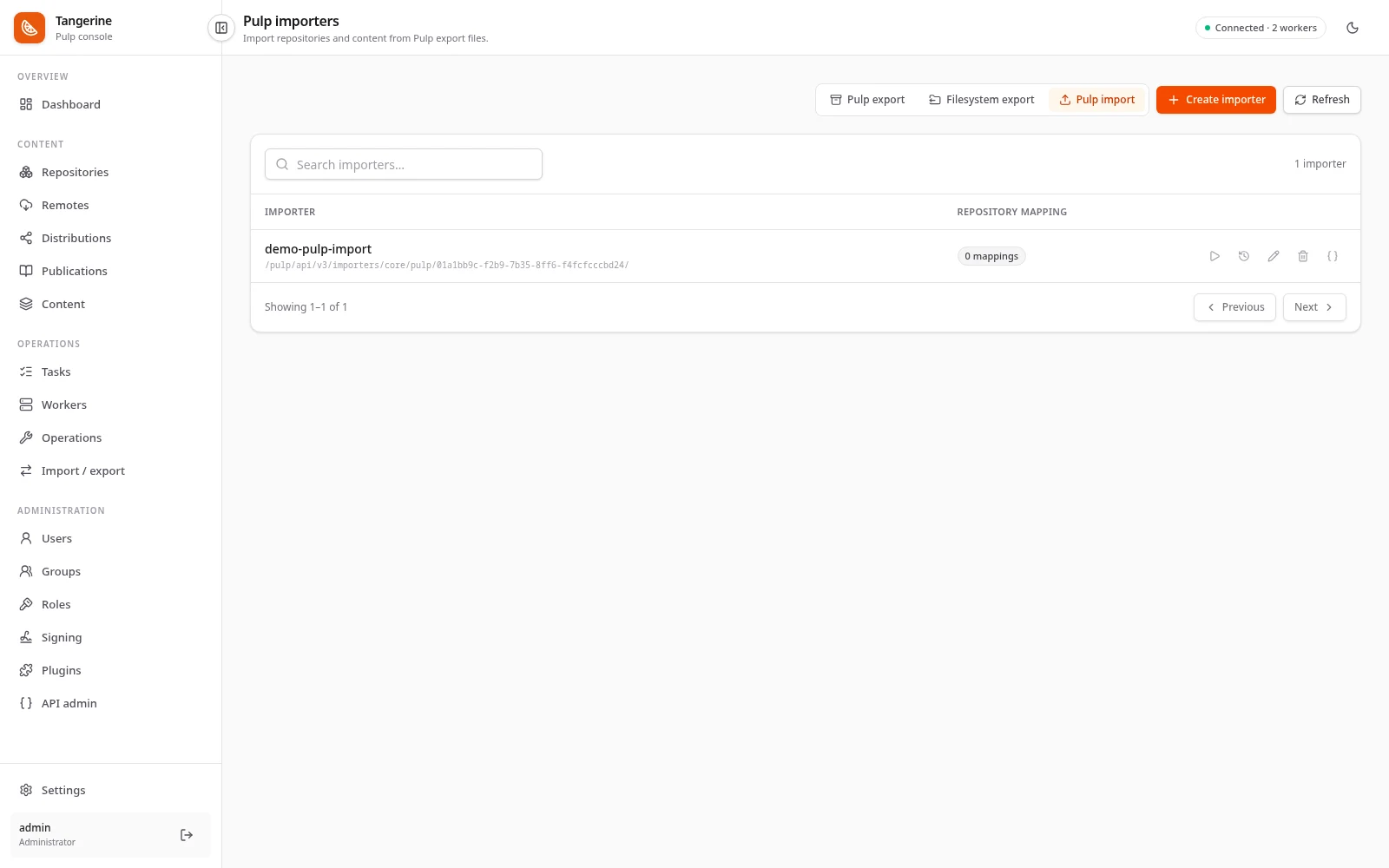
An importer reads an export archive that already exists on the server.
Create importer takes a name and an optional repository mapping as JSON. The mapping rewrites repository names during import, which is how you restore the same archive into a differently named installation:
{
  "source-repo-name": "destination-repo-name"
}
Running an import asks for:
- Export path — the archive or directory produced by the export run;
- Table of contents path — optional, when the archive's TOC lives elsewhere.
Import creates the repositories and content described by the archive, then starts a task. Watch the task detail for per-repository results; a partially failed import still reports the repositories it did create.
Practice notes
- Paths are validated by Pulp, not by the UI. A path outside
ALLOWED_EXPORT_PATHSfails with a server error that names the allowed roots. - The local compose stack allows
/tmp, which is why the demonstration exporter uses/tmp/tangerine-demo-export. Production deployments normally allow a dedicated volume instead. - Exports and imports are the supported way to move content between instances. Copying the database or artifact store by hand is not equivalent and will usually produce checksum mismatches.
- Filesystem exports are not snapshots: a later export into the same directory updates the tree.
Next: Administration